PowerMTA Complete Guide: Configuration, Delivery, and Best Practices
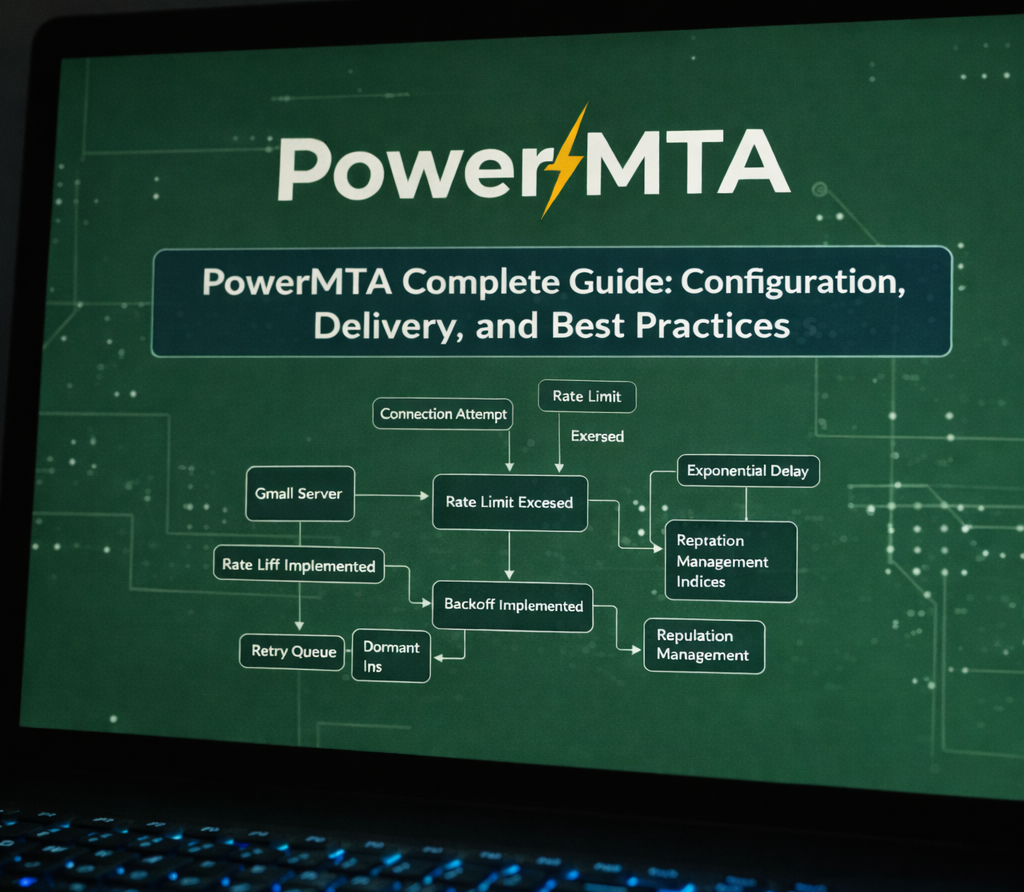 PowerMTA configuration, delivery flow, and reputation management overview
PowerMTA is one of the most powerful and widely used Mail Transfer Agents (MTA) for high-volume email delivery. It is trusted by ESPs, SaaS platforms, and large enterprises where performance, control, and deliverability are critical.
Unlike traditional MTAs such as Postfix or Sendmail, PowerMTA is designed specifically for large-scale, policy-driven email sending.
This guide provides a deep, practical overview of PowerMTA, covering architecture, configuration fundamentals, delivery behavior, and best practices for maintaining inbox placement.
What Is PowerMTA?
PowerMTA is a commercial MTA developed by Port25 Solutions and later acquired by SparkPost.
It is optimized for:
- High-throughput email sending
- Fine-grained delivery control
- ISP-specific policies
- Advanced bounce and feedback handling
- Real-time analytics and logging
PowerMTA is commonly used behind:
- Transactional email systems
- Bulk marketing platforms
- Notification and alert pipelines
- Custom ESP infrastructure
PowerMTA Architecture Overview
PowerMTA operates as a centralized outbound mail engine, sitting between applications and receiving mail servers.
Key architectural components include:
- SMTP listener for message submission
- Queue management engine
- Policy and throttling engine
- Delivery workers
- Logging and accounting system
All behavior is driven by declarative configuration files, giving operators full control over delivery logic.
Core PowerMTA Configuration Concepts
PowerMTA configuration is typically split across multiple files:
config– global settingssource– IP and interface definitionsdomain– ISP-specific policiesvirtual-mta– traffic separation
Example basic configuration:
<source 0.0.0.0>
smtp-service yes
</source>

<virtual-mta vmta1>
smtp-source-host 203.0.113.10
</virtual-mta>
This structure allows extremely granular control over how traffic flows to different destinations.
Virtual MTAs (vMTAs)
One of PowerMTA’s most powerful features is Virtual MTAs.
vMTAs allow you to:
- Separate traffic by IP address
- Isolate customers or applications
- Apply different reputations and policies
- Control warm-up independently
vMTAs are essential for reputation management at scale.
Without vMTAs, reputation problems in one stream can affect all outbound mail.
Delivery Control and Throttling
PowerMTA allows ISP-specific delivery rules based on domain or MX host.
Common controls include:
- Maximum connections per domain
- Messages per hour
- Retry intervals
- Deferral handling
<domain gmail.com>
max-smtp-out 10
max-msg-rate 1000/h
</domain>
These controls are critical for avoiding throttling, deferrals, and spam filtering.
Bounce Handling and Feedback Loops
PowerMTA includes advanced bounce classification, separating:
- Hard bounces
- Soft bounces
- Transient failures
- Policy rejections
It also supports ISP Feedback Loops (FBLs), allowing complaint reports to be processed automatically.
Proper bounce and complaint handling is non-negotiable for long-term deliverability.
Email Authentication with PowerMTA
PowerMTA integrates cleanly with standard email authentication mechanisms:
- SPF (via IP authorization)
- DKIM (via signing modules)
- DMARC (policy alignment)
DKIM signing is typically handled via external signing modules or integrated tools.
Authentication is foundational — without it, even perfect configuration will fail.
Logging, Monitoring, and Analytics
PowerMTA produces detailed logs that capture:
- Delivery attempts
- ISP responses
- Latency and throughput
- Rejections and deferrals
These logs are often fed into:
- SIEM systems
- Observability platforms
- Custom dashboards
Deliverability troubleshooting without logs is effectively impossible.
PowerMTA Best Practices
- Warm up IPs slowly and deliberately
- Separate traffic using vMTAs
- Apply ISP-specific throttles
- Monitor bounce and complaint rates daily
- Maintain clean, opt-in lists only
- Keep authentication aligned and enforced
PowerMTA amplifies both good and bad sending behavior — configuration discipline is critical.
Final Thoughts
PowerMTA is not a “plug-and-play” MTA — it is a precision delivery engine.
When configured correctly, it provides unmatched control, scalability, and insight into email delivery.
For organizations sending at scale, mastering PowerMTA is a strategic advantage.
