Fixing Gmail 421 4.7.0 Errors Using PowerMTA
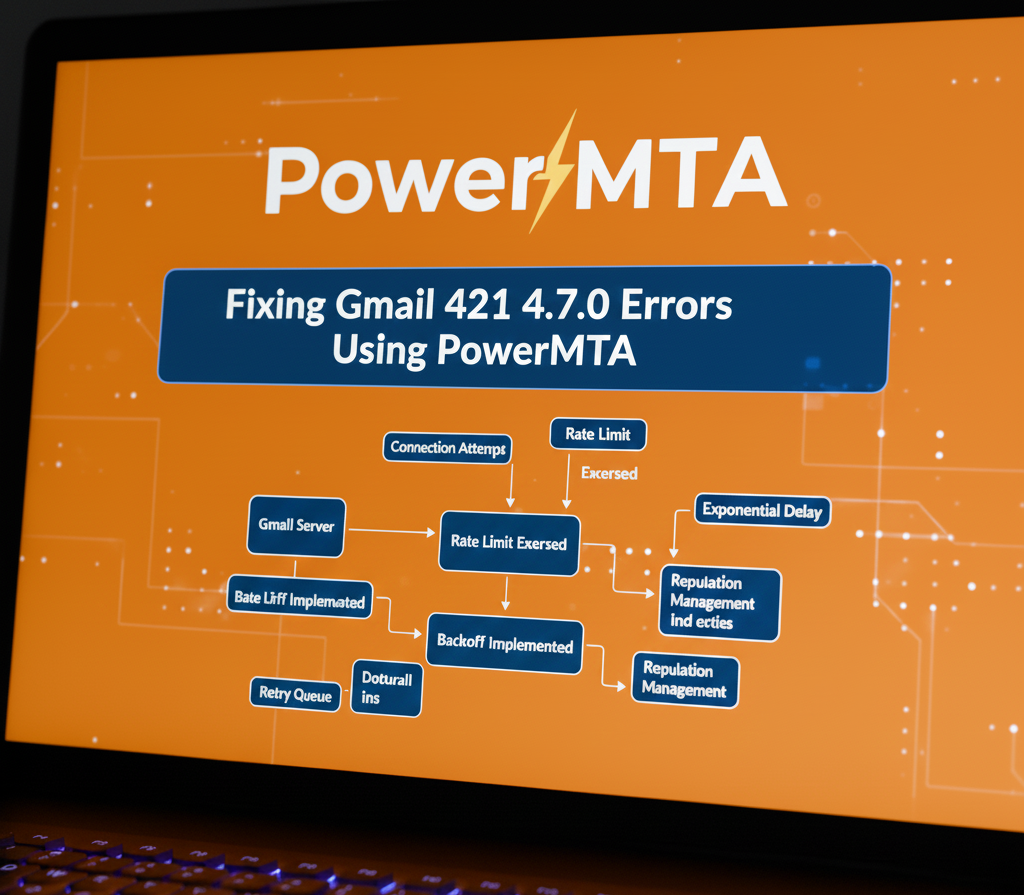 Resolving Gmail 421 rate-limit errors with PowerMTA
Gmail’s 421 4.7.0 error is one of the most common — and misunderstood — SMTP responses encountered by high-volume senders.
While it is classified as a temporary deferral, repeated 421 4.7.0 responses are a strong signal that Gmail is actively regulating your sending behavior.
This guide explains why Gmail issues 421 4.7.0 errors, how PowerMTA compares to other MTAs like Postfix, and how to resolve the underlying causes without damaging long-term sender reputation.
What Does Gmail 421 4.7.0 Mean?
A 421 4.7.0 response indicates that Gmail is temporarily deferring connections due to reputation, rate, or policy concerns.
These types of responses fall under temporary SMTP error codes, meaning delivery may succeed later if properly retried.
Common interpretations include:
- IP or domain sending too fast
- Reputation degradation
- Suspicious traffic patterns
- Insufficient warm-up history
Gmail 421 4.7.0 is a throttle — not a block.
Treating it as a hard failure often makes the problem worse.
Why Gmail Uses 421 4.7.0 Deferrals
Gmail protects its users by dynamically adjusting how much traffic it accepts from each sender.
Gmail evaluates:
- Historical IP and domain reputation
- Current send velocity
- User engagement signals
- Recent error and complaint rates
When thresholds are exceeded, Gmail responds with 421 4.7.0 to force senders to slow down. Learn more about email throttling and ISP rate limits.
How PowerMTA Handles Gmail 421 Responses
PowerMTA correctly classifies 421 4.7.0 as a temporary failure.
When configured properly, PowerMTA will:
- Defer delivery attempts
- Apply adaptive backoff
- Reduce concurrency automatically
- Retry messages over time
Proper retry behavior is critical. See our detailed guide on PowerMTA retry and backoff configuration.
Misconfiguration can cause excessive retries, triggering Gmail’s defenses further.
PowerMTA Configuration Fixes for Gmail 421
Gmail-specific throttling is essential. This should be part of your domain-level PowerMTA configuration strategy.
<domain gmail.com>
max-smtp-out 5
max-msg-rate 500/h
retry-after 30m
</domain>
These limits signal compliance with Gmail’s rate expectations.
IP Warm-Up and Reputation Recovery
Gmail 421 errors often appear when IP warm-up is rushed.
Follow a structured IP warm-up strategy to avoid triggering throttling mechanisms.
Best practices include:
- Gradual daily volume increases
- Consistent sending patterns
- High-engagement recipient targeting
- Avoiding list expansion during warm-up
PowerMTA vMTAs allow Gmail traffic to warm independently from other ISPs. Learn more about PowerMTA virtual MTAs (vMTAs).
Authentication Alignment Matters
Gmail closely evaluates authentication signals. Improper alignment can significantly increase throttling and deferrals.
- SPF must authorize sending IPs
- DKIM must sign all messages
- DMARC alignment should pass
Authentication failures amplify Gmail throttling behavior.
Monitoring and Early Detection
Gmail throttling escalates when signals are ignored.
Implement structured email deliverability monitoring to detect problems early.
Monitor:
- 421 error frequency trends
- Deferred queue growth
- Delivery latency to Gmail
- User engagement metrics
Logs provide the earliest warning signs.
Common Mistakes That Worsen 421 Errors
- Increasing send rates after deferrals
- Retrying too aggressively
- Ignoring Gmail-specific policies
- Mixing cold and warm traffic
Gmail interprets persistence as hostile behavior. Avoid these patterns by reviewing high-volume email sending best practices.
Final Thoughts
Gmail 421 4.7.0 errors are corrective signals, not punishments.
PowerMTA gives senders the tools to respond intelligently — slowing down, adapting, and rebuilding trust.
When handled correctly, 421 errors fade naturally as reputation stabilizes. Continue learning in our PowerMTA deliverability optimization guide.
Frequently Asked Questions
What causes Gmail 421 4.7.0 errors?
These errors indicate temporary rate limiting due to high sending volume, low engagement, or reputation pressure.
Can PowerMTA automatically recover from Gmail 421 errors?
Yes. With proper backoff and throttling, PowerMTA reduces sending rates and gradually resumes delivery without manual intervention.
Do Gmail 421 errors damage sender reputation?
Temporary errors alone do not, but ignoring them and continuing to send aggressively can escalate into more serious delivery issues.
