PowerMTA IP Warm-Up Guide (Step-by-Step)
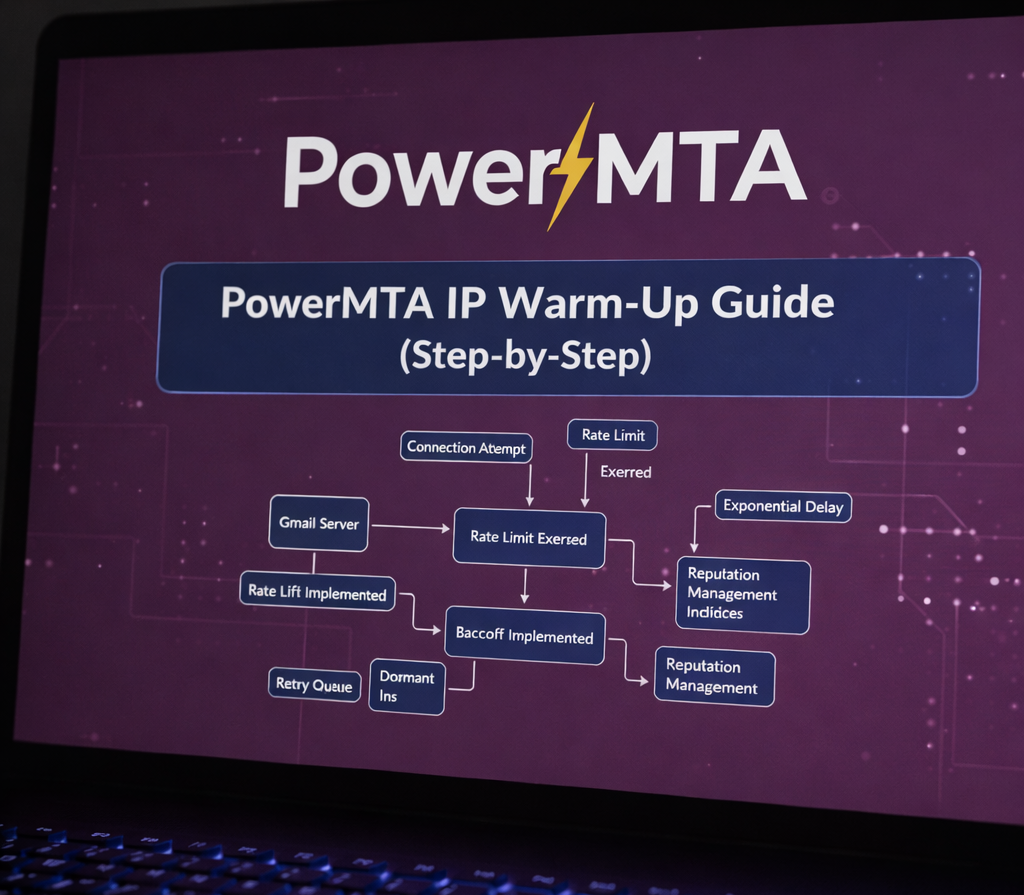 Gradually increasing email volume during IP warm-up
IP warm-up is one of the most critical and commonly misunderstood aspects of high-volume email delivery. When using PowerMTA, a disciplined warm-up process is essential to establish trust with mailbox providers and protect long-term sending reputation.
Sending too much mail too quickly from a new IP almost guarantees throttling, spam filtering, or outright blocking.
This guide explains how to warm up IP addresses safely with PowerMTA, covering strategy, configuration patterns, and operational best practices used by experienced ESPs. For a structured daily rollout plan, see our step-by-step PowerMTA IP warm-up guide .
What Is IP Warm-Up?
IP warm-up is the controlled, gradual increase of email volume sent from a new or cold IP address. If you are deploying a fresh server, follow this detailed PowerMTA IP warm-up implementation walkthrough before scaling traffic.
Mailbox providers use early sending behavior to evaluate:
- Complaint rates
- Bounce rates
- Engagement signals
- Consistency and predictability
A successful warm-up builds a positive reputation that allows higher volumes over time.
Why PowerMTA Is Ideal for IP Warm-Up
PowerMTA provides the level of control required for safe and repeatable warm-up processes.
Key features that support warm-up include:
- Virtual MTAs (vMTAs) for IP isolation
- Per-domain throttling and rate limits
- Granular retry and backoff controls
- Detailed delivery and bounce logging
Effective warm-up is impossible without precise delivery control.
Preparation Before Warming Up
Before sending the first message, several foundational steps must be completed.
- Configure SPF, DKIM, and DMARC correctly
- Ensure reverse DNS and HELO alignment
- Verify clean, opt-in recipient lists
- Separate transactional and marketing traffic
Skipping these steps often leads to permanent reputation damage. You can combine this checklist with our PowerMTA IP warm-up deployment plan to avoid early-stage blocking.
Designing a Safe Warm-Up Strategy
Warm-up should prioritize quality over quantity.
General guidelines include:
- Start with low daily volumes
- Increase volume gradually over 2–4 weeks
- Send consistently every day
- Target your most engaged recipients first
For a practical volume progression schedule, refer to our detailed PowerMTA IP warm-up timeline .
Sudden spikes or erratic sending patterns are interpreted as abuse signals by ISPs.
PowerMTA Configuration for Warm-Up
PowerMTA warm-up is typically implemented using dedicated vMTAs and domain policies.
<virtual-mta warmup-ip1>
smtp-source-host 203.0.113.20
max-msg-rate 200/h
</virtual-mta>

<domain gmail.com>
max-smtp-out 2
max-msg-rate 50/h
</domain>
These limits are increased incrementally as reputation signals remain positive. The full configuration approach is covered in our PowerMTA IP warm-up configuration guide .
Monitoring Signals During Warm-Up
Continuous monitoring is mandatory.
Key metrics to track include:
- Hard and soft bounce rates
- Spam complaint feedback
- Deferrals and throttling responses
- Inbox vs spam placement
Any negative trend should pause or slow the warm-up process. A structured escalation model is explained in our step-by-step PowerMTA warm-up strategy guide .
Common IP Warm-Up Mistakes
- Sending full volume on day one
- Using cold lists or purchased data
- Ignoring ISP-specific throttling
- Mixing multiple traffic types on one IP
Most reputation problems are caused by impatience rather than technical failure.
Final Thoughts
IP warm-up with PowerMTA is a deliberate, data-driven process.
When executed correctly, it lays the foundation for stable, scalable, and high-inbox delivery.
In high-volume email, reputation is earned — never rushed.
Frequently Asked Questions
Why is IP warm-up required in PowerMTA?
IP warm-up builds trust with ISPs by gradually increasing sending volume. Sudden spikes from a new IP often trigger throttling or spam filtering, while a controlled warm-up improves long-term inbox placement.
How long should a PowerMTA IP warm-up take?
A typical warm-up lasts 2–4 weeks depending on list quality, engagement, and ISP feedback. Gmail and Outlook often require slower ramps than smaller ISPs.
What happens if IP warm-up is done too fast?
Sending too aggressively can cause rate limits, temporary deferrals, or reputation damage that may take weeks to recover. PowerMTA’s throttling and backoff features help prevent this.
