Step-by-Step: Secure Your Digital Life in 30 Minutes
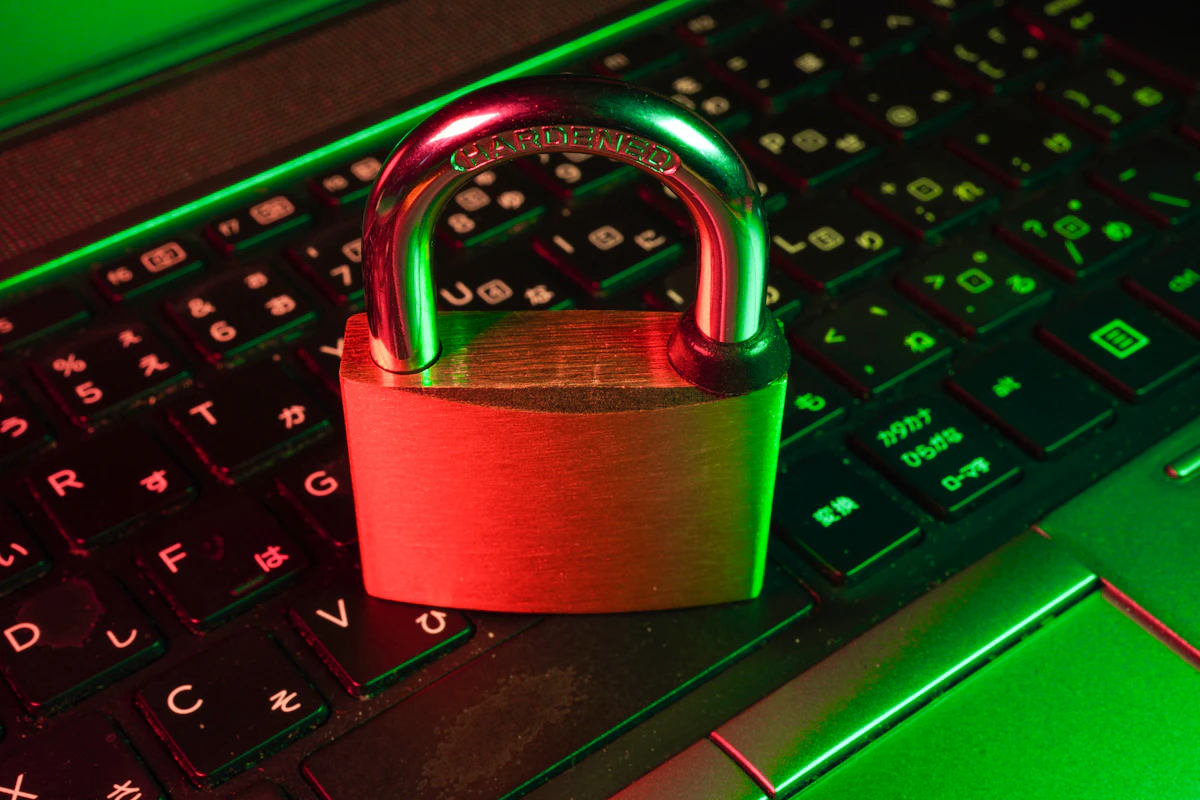 Securing your digital life step by step
The majority of digital security breaches are not caused by advanced hacking techniques. They occur because of weak default settings, reused passwords, delayed updates, or successful phishing attempts.
Improving your digital security does not require deep technical knowledge or expensive tools. It requires focused, intentional configuration of the systems you already use. In just 30 minutes, you can significantly reduce your exposure to the most common attack vectors.
This step-by-step guide prioritizes the highest-impact actions first, helping you establish a strong baseline security posture quickly and sustainably. For a broader defensive mindset, see our guide on Zero Trust security principles.
0–5 Minutes: Secure Your Email Account
Your email account is the central hub of your digital identity. If compromised, it can be used to reset passwords, bypass security controls, and impersonate you across other services. Understanding how email servers work and reviewing email headers can also help you detect suspicious activity.
- Enable multi-factor authentication (MFA) using an authenticator app or hardware key
- Verify and update account recovery email addresses and phone numbers
- Review recent login activity for unfamiliar locations or devices
- Revoke unknown or inactive sessions and connected devices
5–10 Minutes: Lock Down Your Passwords
Password reuse remains one of the leading causes of account compromise. A single breached site can expose dozens of accounts if passwords are shared. Many ransomware incidents begin with stolen credentials — learn how attacks escalate in our guide to how ransomware works.
- Install a reputable password manager with strong encryption
- Generate unique, high-entropy passwords for critical accounts
- Immediately change reused or weak passwords
- Enable breach monitoring alerts within your password manager
10–15 Minutes: Secure Your Devices
Unpatched devices and unencrypted storage are prime targets for malware, data theft, and physical compromise. Regular updates are a foundational defense strategy also emphasized in our server hardening checklist.
- Enable automatic operating system and application updates
- Turn on full-disk encryption (BitLocker, FileVault, or device equivalent)
- Use strong device lock codes, biometrics, or passphrases
- Enable remote tracking and wipe capabilities
15–20 Minutes: Harden Your Browser
Web browsers are the most common entry point for phishing, malware, and credential theft. A hardened browser significantly reduces risk. For a deeper look at web application risks, review our breakdown of the OWASP Top 10 vulnerabilities.
- Install a reputable content-blocking or privacy protection extension
- Enable built-in phishing and malware protection
- Audit installed extensions and remove anything unnecessary
- Ensure the browser is set to update automatically
20–25 Minutes: Review Connected Accounts
Third-party integrations often retain access long after they are no longer needed, increasing your attack surface. Applying Identity and Access Management (IAM) principles and understanding Role-Based Access Control (RBAC) helps minimize unnecessary privileges.
- Review third-party app permissions across major platforms
- Remove unused or untrusted integrations
- Limit data access scopes to the minimum required
- Disconnect services you do not recognize
25–30 Minutes: Enable Monitoring and Alerts
Early detection is critical. Alerts provide visibility into suspicious activity before serious damage occurs. Organizations implement this at scale using centralized security logging and SIEM systems.
- Enable login, password change, and security alerts
- Activate financial and transaction notifications
- Set up identity or credit monitoring where applicable
- Review notification preferences to ensure alerts are actionable
Security Checklist
- Multi-factor authentication enabled on email, banking, and cloud services
- Unique passwords stored securely in a password manager
- Devices encrypted and kept up to date
- Suspicious login alerts enabled
- Regular backups configured
Common Security Mistakes to Avoid
- Reusing passwords across multiple services
- Postponing or ignoring software updates
- Clicking unsolicited links or attachments in emails
- Disabling security features for short-term convenience
Final Thoughts
Digital security is not about fear or paranoia. It is about preparedness, visibility, and control. Small, deliberate actions dramatically reduce risk when applied consistently.
The strongest security strategy is one you can maintain. If you want to go further, explore advanced defensive planning in our guide to threat modeling fundamentals.
Frequently Asked Questions
What are the first steps to improve digital security?
Enable multi-factor authentication, update passwords, and install security updates.
Should I use a password manager?
Yes. Password managers create and store strong, unique passwords securely.
How often should I review security settings?
At least quarterly or whenever new devices or accounts are added.
