PowerMTA Performance Tuning: How to Send 1M+ Emails Per Day Safely
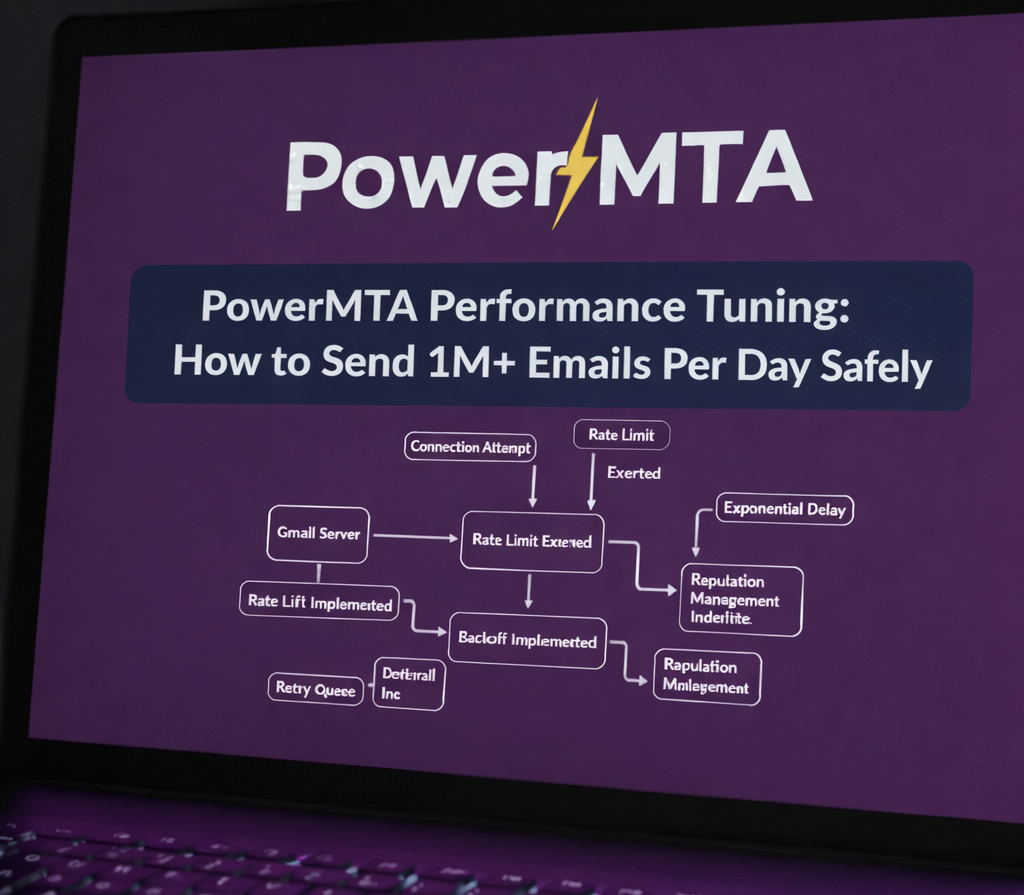 Scaling PowerMTA without deliverability loss
PowerMTA is designed for scale — but raw throughput alone does not guarantee stable delivery or inbox placement.
Poorly tuned PowerMTA servers often suffer from queue buildup, Gmail 421 deferrals, disk I/O saturation, and sudden reputation drops during traffic spikes. If you're facing Gmail throttling specifically, see our guide on fixing Gmail 421 4.7.0 errors using PowerMTA.
This guide explains how to tune PowerMTA for 1M+ emails per day while maintaining ISP compliance, performance stability, and reputation safety. For a broader configuration overview, read our complete PowerMTA configuration and delivery guide.
Performance vs Deliverability: The Core Principle
The biggest mistake high-volume senders make is optimizing for speed instead of control.
Faster sending does not mean better delivery.
PowerMTA performance tuning is about predictable throughput, not maximum burst rate. Long-term stability depends heavily on email deliverability strategy and proper domain/IP reputation management.
Key PowerMTA Performance Bottlenecks
- SMTP connection limits
- Message rate limits
- Queue disk I/O
- Log file growth
- Backoff misconfiguration
Most “PowerMTA is slow” complaints trace back to one or more of these bottlenecks. Backoff misconfiguration in particular can cause serious instability — learn more in our guide on PowerMTA backoff configuration.
SMTP Connection & Rate Tuning
Recommended Starting Point
max-smtp-out 1000
max-conn-rate 100/m
max-msg-rate 2000/h
These values must be adjusted per ISP using domain policies — never globally. See our breakdown of VirtualMTA and domain policies for proper segmentation strategies.
Why This Matters
ISPs throttle connections more aggressively than message rate. Exceeding connection limits is the fastest way to trigger 421 deferrals.
Queue Management & Disk I/O
At high volume, PowerMTA performance is often limited by disk speed, not CPU. Deep queue analysis is covered in our PowerMTA log analysis guide.
Best Practices
- Use SSD or NVMe for queue storage
- Separate queue and log disks if possible
- Monitor queue growth continuously
A growing queue is a signal — not a problem by itself. The cause must be identified before increasing send rates.
Log Volume Optimization
PowerMTA logging is extremely detailed — and extremely expensive at scale. Log analysis becomes critical when optimizing delivery metrics.
Recommended Logging Strategy
- Reduce verbose logging in production
- Rotate logs aggressively
- Ship logs to external analysis systems
Uncontrolled logging can silently become your primary performance bottleneck.
Backoff & Retry Tuning
Backoff is not just a deliverability feature — it is a performance control mechanism. For advanced ISP-specific backoff settings, see best PowerMTA backoff settings for Gmail and other ISPs.
Safe Backoff Defaults
retry-after 10m
backoff-retry 30m
max-retries 5
Incorrect backoff settings can cause queue explosions or infinite retry loops.
Scaling with Multiple VirtualMTAs
The correct way to scale PowerMTA is horizontal separation, not vertical pressure.
- Split traffic by type
- Split traffic by ISP
- Split traffic by reputation stage
This segmentation is critical for maintaining email reputation across ISPs.
Monitoring What Actually Matters
High-volume PowerMTA environments must be monitored in real time. Combine metrics with proper bounce and delivery performance tracking.
Final Thoughts
PowerMTA performance tuning is not about pushing limits — it is about respecting them intelligently.
When tuned correctly, PowerMTA can scale safely, deliver consistently, and protect long-term reputation even at massive volume. For authentication alignment best practices, review our DKIM/SPF alignment checklist.
Frequently Asked Questions
Can PowerMTA handle 1 million emails per day?
Yes. PowerMTA is designed for sustained high throughput when properly tuned with correct throttles and system resources.
What limits PowerMTA performance?
Disk I/O, network bandwidth, CPU, and ISP rate limits are the main constraints, not PowerMTA itself.
Does faster sending improve deliverability?
No. Sending too fast often harms deliverability. Controlled, consistent sending yields better long-term results.
