PowerMTA Backoff Explained: Stop Gmail Rate-Limit Bounces
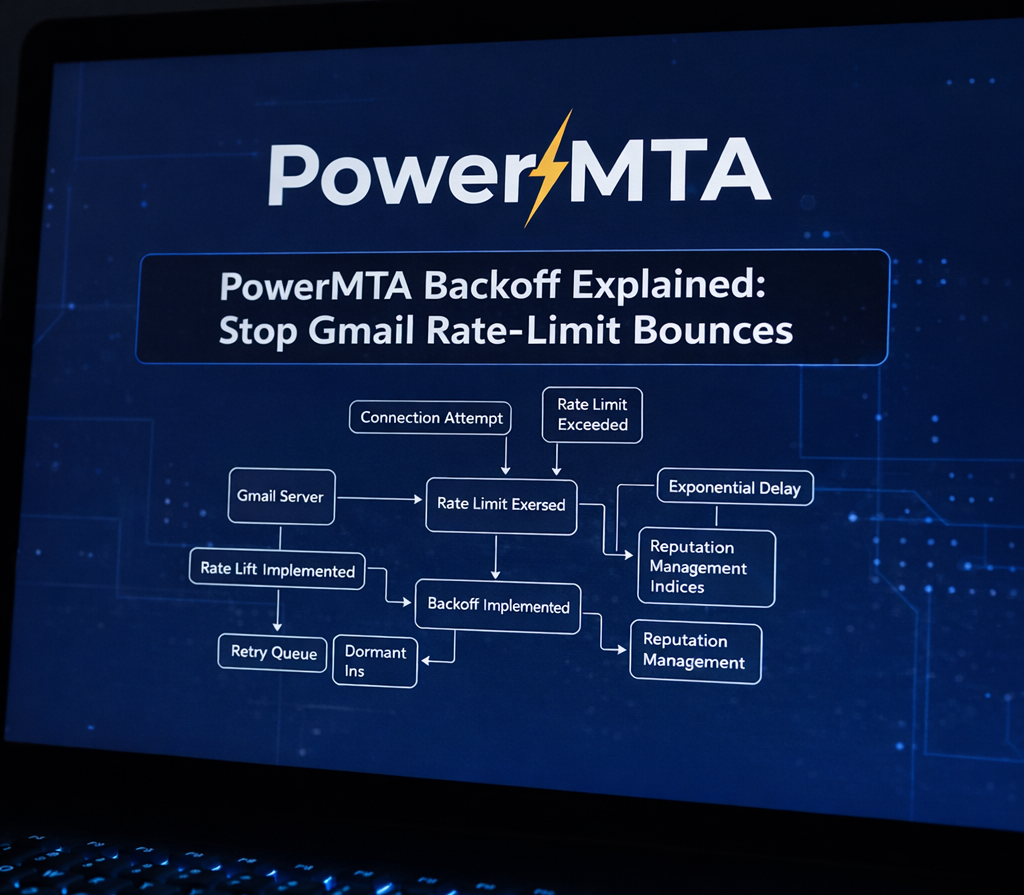 How PowerMTA backoff prevents Gmail throttling
High-volume email sending is not about speed — it’s about control. Modern providers like Gmail actively protect their infrastructure by rate limiting senders that push too hard, too fast.
If you’ve seen errors such as 421 4.7.0, rate limited, or
try again later, your server is not broken.
Gmail is simply asking you to slow down.
This is exactly where PowerMTA backoff comes in.
This article explains how PMTA backoff works, what triggers it, and how to configure it correctly to stop bounce storms without stopping your server.
What Is Backoff in PowerMTA?
Backoff is a temporary, automatic throttling mechanism in PowerMTA that activates when a receiving domain returns temporary SMTP errors.
Backoff slows delivery only for the affected domain — not your entire server.
When Gmail signals overload, PMTA reduces message rate, connections, and retry frequency until conditions improve — a core part of email deliverability strategy.
Temporary Errors vs Permanent Bounces
Permanent Errors (5xx)
550 user not found554 mailbox unavailable
These are hard bounces. PMTA immediately bounces the message and does not trigger backoff. Learn more in PowerMTA bounce handling .
Temporary Errors (4xx)
421 4.7.0 Try again later450 Rate limited
These errors indicate throttling or congestion. This is what activates backoff and is explained deeply in fixing Gmail 421 errors with PowerMTA .
How PowerMTA Backoff Works (Step-by-Step)
- PMTA sends messages normally
- Gmail returns temporary (4xx) errors
- Error matches a backoff SMTP pattern
- PMTA enters backoff mode for Gmail only
- Delivery slows to a safe trickle
- PMTA automatically recovers
This recovery process is part of proper PowerMTA performance tuning .
SMTP Pattern Lists: The Backoff Trigger
PowerMTA does not guess. Backoff is activated only when an error matches a defined SMTP pattern list.
smtp-pattern-list backoff_errors {
reply /421/
reply /450/
reply /4\.7\.0/
reply /rate limited/i
reply /try again later/i
}
This ensures PMTA reacts only to genuine throttling signals, not false positives, as detailed in the PowerMTA log analysis guide .
Does Backoff Stop My Server?
No.
Backoff is domain-specific. If Gmail slows you down:
- Gmail traffic is throttled
- Yahoo continues normally
- Outlook continues normally
Backoff applies brakes — not an engine shutdown.
This behavior is explained further in why PowerMTA backoff does not stop your server .
Recommended Gmail Backoff Configuration
<domain gmail.com>
retry-after 30m
bounce-after 72h

max-smtp-out 400

smtp-pattern-list backoff_errors

backoff-max-msg-rate 1/m
backoff-max-smtp-out 5
backoff-retry-after 30m

backoff-to-normal-after 2h
backoff-to-normal-after-delivery yes
</domain>
This configuration works best when combined with proper IP warm-up, correct SPF/DKIM/DMARC alignment, and ISP reputation management.
Common Backoff Mistakes
- Using default backoff limits
- Backoff configured globally instead of per domain
- Retry intervals that are too aggressive
- Bouncing too quickly
- Ignoring Gmail error messages
Final Thoughts
PowerMTA backoff is not a problem — it is a safety system.
When configured correctly, it prevents bounce storms, protects sender reputation, and keeps delivery stable even at high volumes — which is the foundation of long-term sender trust .
Frequently Asked Questions
What is backoff in PowerMTA?
Backoff temporarily reduces or pauses sending to an ISP after rate-limit or deferral responses. This prevents repeated errors and protects sender reputation.
Does backoff stop email delivery completely?
No. Backoff only affects specific domains or ISPs. Other domains continue receiving mail normally, ensuring overall throughput remains stable.
Why is Gmail backoff especially important?
Gmail enforces strict per-domain and per-IP limits. Without backoff, repeated 421 errors can escalate into longer deferrals or reputation damage.
