Why PowerMTA Backoff Does Not Stop Your Server
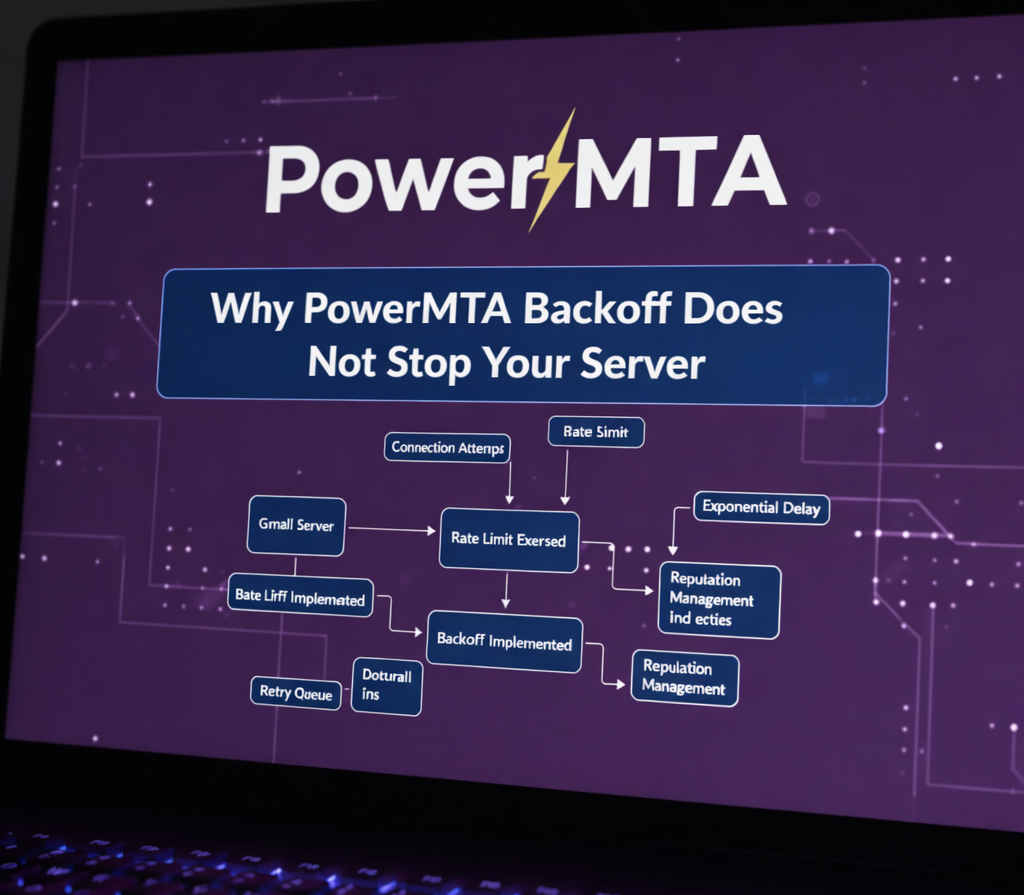 Why backoff alone does not prevent overload
A common misconception among PowerMTA operators is that backoff means sending stops. In reality, PowerMTA backoff is a traffic-shaping mechanism — not an on/off switch.
This misunderstanding often leads to confusion when queues continue to process, connections remain active, or traffic still flows during ISP throttling. For foundational configuration guidance, review our PowerMTA backoff settings guide.
This article explains why PowerMTA backoff does not stop your server, how it actually works, and how to use it correctly to protect sender reputation and delivery stability.
What Backoff Means in PowerMTA
In PowerMTA, backoff is a controlled reduction in delivery aggressiveness in response to ISP signals.
Backoff typically affects:
- Connection frequency
- Retry timing
- Message send rate
It does not mean that PowerMTA stops accepting mail, halts queues, or shuts down SMTP workers. Learn more about how PowerMTA retry and backoff logic works.
Why the Server Keeps Running
PowerMTA is designed for continuous availability.
Even during backoff:
- Inbound SMTP submission remains active
- Queues continue to accept messages
- Non-affected domains continue delivery
Backoff is applied at the policy and destination level, not at the system level. This is especially important when handling Gmail 421 4.7.0 deferrals.
Backoff Is Scoped, Not Global
One of PowerMTA’s strengths is scoped policy enforcement.
Backoff can apply to:
- A single domain (e.g. gmail.com)
- A specific MX host
- A virtual MTA (vMTA)
This prevents a single ISP issue from halting all outbound traffic and reduces the risk of bounce storm scenarios.
PowerMTA protects throughput while adapting to ISP pressure.
Queue Behavior During Backoff
When backoff is triggered, messages are not dropped.
Instead:
- Delivery attempts slow down
- Deferred messages remain queued
- Retry intervals increase
This behavior explains why operators still see queue activity even during heavy throttling. Monitoring deferred growth is part of proper deliverability monitoring.
Common Backoff Misinterpretations
- Assuming backoff equals pause
- Expecting queues to freeze
- Confusing retry delay with failure
- Manually stopping services unnecessarily
These misunderstandings often lead to disruptive interventions that worsen delivery outcomes, especially in high-volume environments.
How to Truly Stop or Reduce Sending
If sending must be halted intentionally, it should be done explicitly.
Common methods include:
- Reducing
max-msg-rateto zero - Disabling specific vMTAs
- Pausing upstream message injection
- Applying temporary domain blocks
Backoff alone is not designed for emergency shutdowns. It is a stability mechanism, similar to the traffic controls discussed in ISP throttling and rate limit strategies.
Best Practices for Backoff Management
- Let PowerMTA manage retries automatically
- Monitor deferrals instead of panic-stopping
- Adjust domain policies based on trends
- Combine backoff with volume control
Backoff works best when treated as a tuning signal, not a failure state. It should complement high-volume email best practices.
Final Thoughts
PowerMTA backoff is designed to protect your reputation — not interrupt your infrastructure.
Understanding this distinction prevents unnecessary downtime and supports stable delivery under pressure.
In high-volume email systems, intelligent slowdown is more valuable than abrupt stops. Continue optimizing with our PowerMTA deliverability optimization guide.
Frequently Asked Questions
Does PowerMTA backoff shut down sending?
No. Backoff only applies to affected domains or ISPs. PowerMTA continues sending to other destinations normally.
Why does mail still queue during backoff?
Messages are queued to ensure delivery resumes smoothly once ISP limits are lifted. This prevents data loss and bounce storms.
Is backoff a sign of a problem?
Backoff is a protective mechanism, not a failure. It indicates that PowerMTA is responding correctly to ISP feedback.
